Oracle Redwood HR Help Desk vs. Classic HR Help Desk: Which One Should You Implement?

Nizam Mogal

Nizam Mogal

Enterprise Applications Architect | Oracle ACE Pro

Organisations evaluating Oracle HR Help Desk frequently ask which version to implement — Classic or Redwood. This article highlights the key differences to guide your decision.

01. UI/UX

Modern interface. Streamlined navigation. Any device.

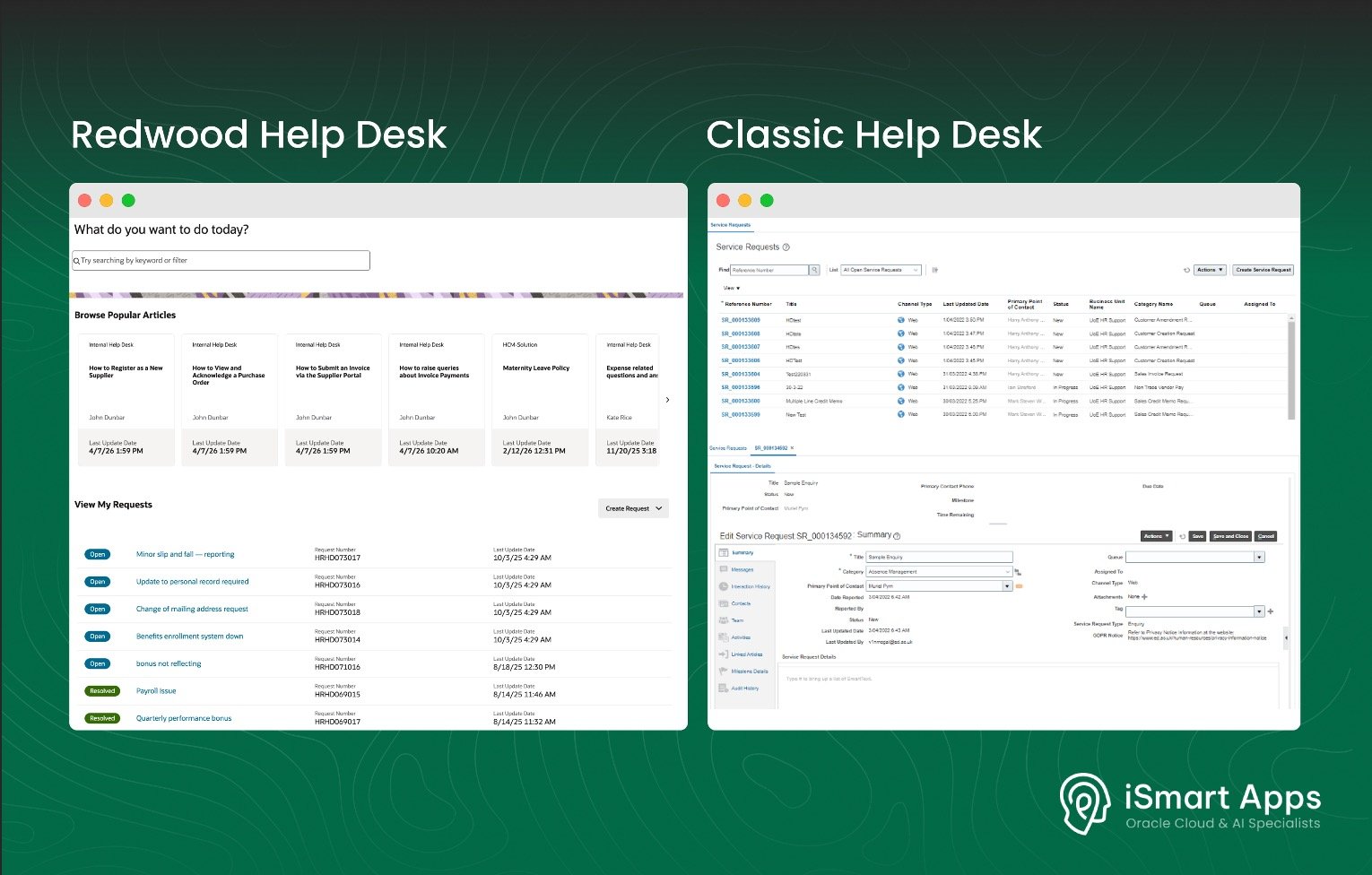
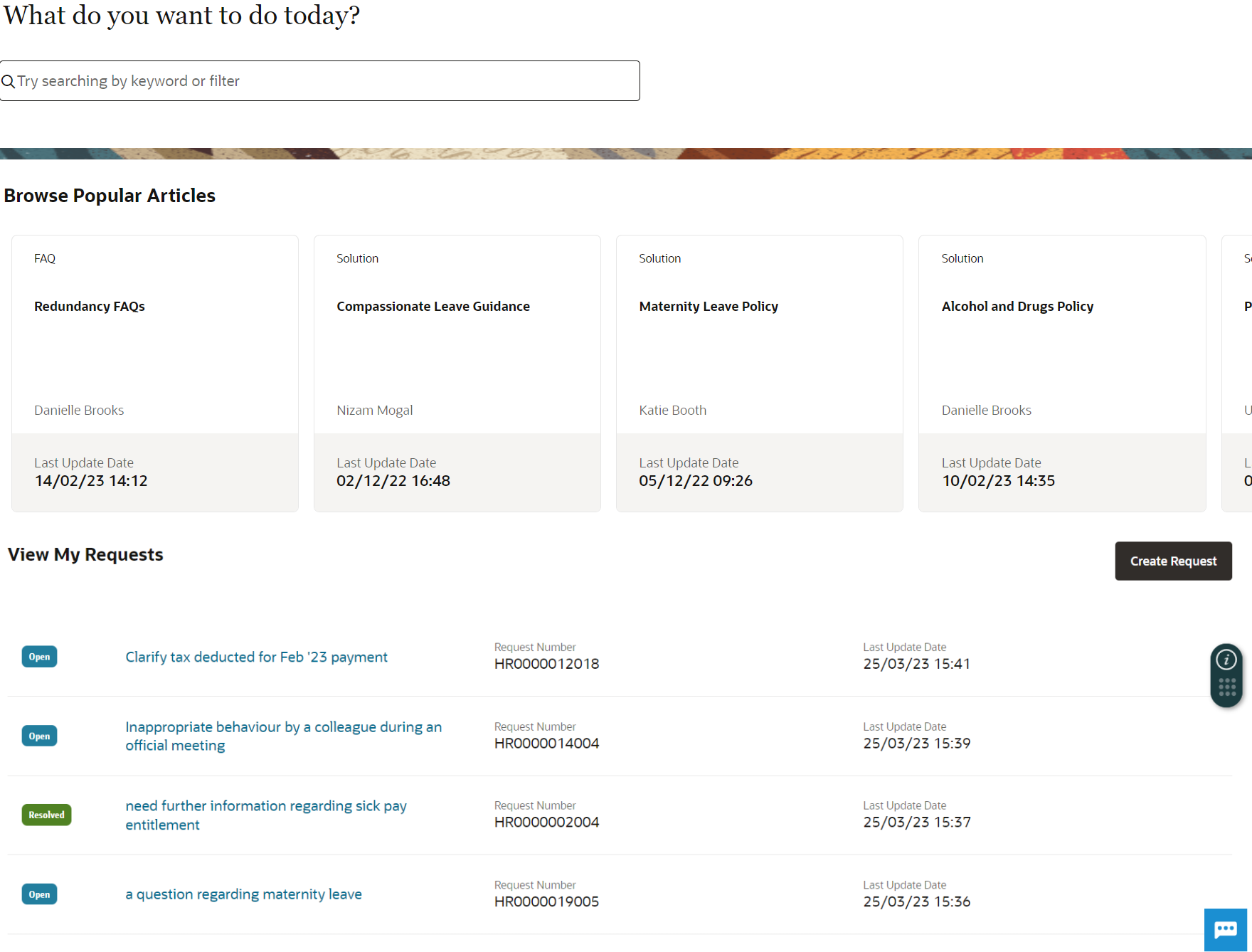
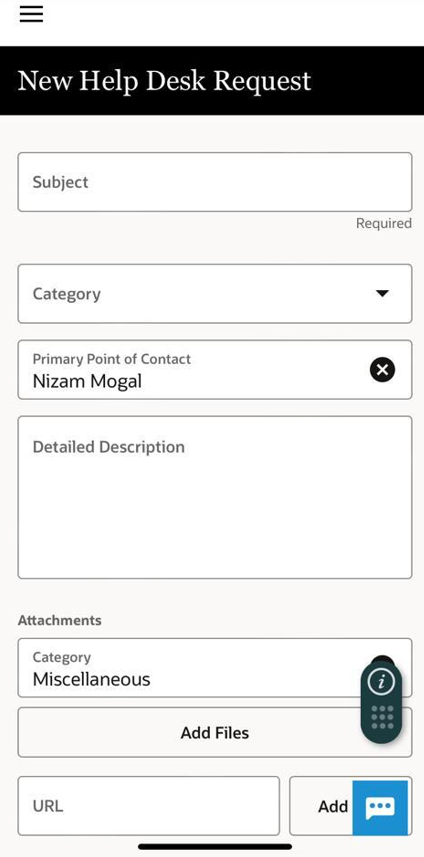
Oracle Redwood HR Help Desk features a modern, device-responsive interface built around Oracle’s Redwood design language. Navigation is noticeably more streamlined than Classic, with a centralised location for requests, knowledge articles, and support history, accessible from any device without layout compromises.

02. Page Extensions

Develop once. Deploy across all Fusion environments.

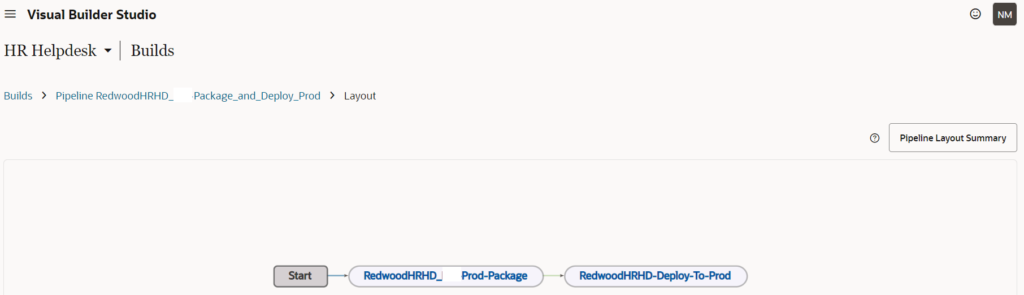
With Redwood Help Desk, page extensions in Visual Builder Studio can be developed once and deployed across all Fusion environments, saving significant effort over Classic, where each environment required redoing configuration.

Visual Builder Studio also enables configuring two or three column layouts that work seamlessly on desktop and mobile devices.

03. Integrations

Bring HCM and ERP data directly, without bespoke integrations.

Bringing worker, customer or supplier data into HR Help Desk was a significant development activity in Classic, requiring bespoke integrations. Redwood Help Desk simplifies this considerably, reducing both effort and the risk of data discrepancies.

04. Employee Relation Cases

A dedicated Case Management module, built into Redwood HR Help Desk.

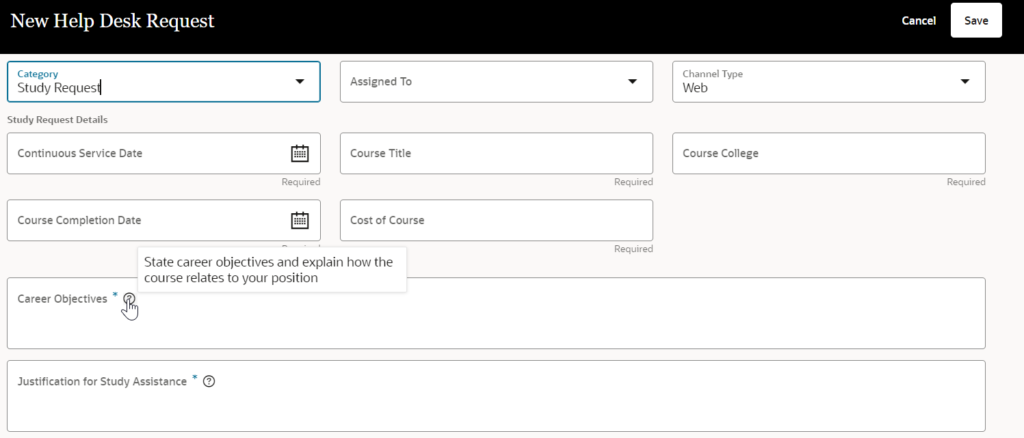
Redwood HR Help Desk includes a dedicated Case Management module to create, assign, track and update employee relations cases aligned to your organisation’s specific procedures. Cases can also be linked directly to HR Help Desk requests, giving HR teams a complete history when handling complaints or grievances.
05. Classic to Redwood Help Desk

Migration from Classic to Redwood, not a simple lift-and-shift.

Oracle provides migration scripts, but most extended configurations, including custom security settings and integrations, require manual effort. Oracle has also signalled that Classic HR Help Desk will eventually be retired, making the transition to Redwood HR Help Desk harder if you implement Classic now.

06. What Redwood HR Help Desk Doesn't Yet Support

At the time of writing, Redwood HR Help Desk does not yet support line managers viewing or commenting on requests raised by their direct reports during the approval process, or the ability to add additional data columns to the View My Requests section. Both have been raised as ideas on Oracle Cloud Customer Connect, links below if you’d like to upvote: 658018, 643565

07. Wrap Up

Having implemented both Classic and Redwood HR Help Desk for global enterprises, the case for Redwood is clear. The modern interface, development and deployment flexibility through Visual Builder Studio, and the dedicated Case Management module deliver real improvements — not just cosmetic, but operational.

If you’re evaluating a new implementation or considering migration from Classic to Redwood HR Help Desk, iSmart Apps can help you assess your options and support your organisation through the decision and implementation.

Learn more about our Oracle Help Desk services or get in touch to discuss your organisation’s requirements.

Nizam Mogal
Enterprise Applications Architect | Oracle ACE Pro

Nizam Mogal
Enterprise Applications
Architect | Oracle ACE Pro

Nizam Mogal

Nizam brings over 20 years of global experience delivering Oracle enterprise solutions. He specialises in Oracle Fusion Cloud across HCM, ERP and Fusion Service, with a successful track record of implementing Oracle Help Desk and Case Management solutions for HR, Finance, and Supply Chain.

With deep product expertise, Nizam provides strategic insight and hands-on experience to ensure implementations are aligned to each organisation’s unique service model and operational goals.

Share this article on

You might like