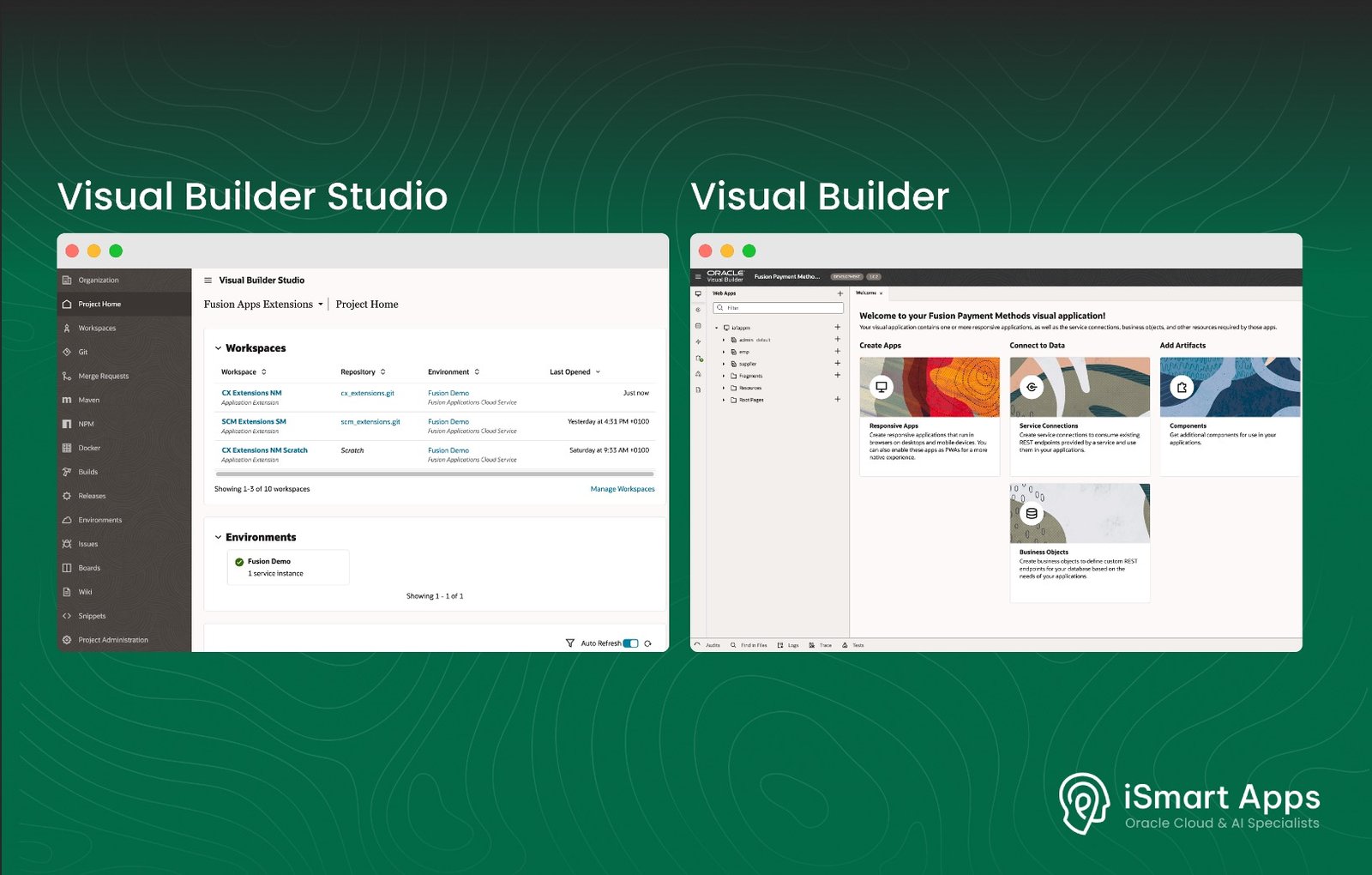
Oracle Visual Builder and Oracle Visual Builder Studio share the same foundation but serve different purposes. Choosing the right tool for your project matters.
Having worked with both extensively, including through early adopter programmes before general release, here is what we have learned.
What They Have In Common
Both are native to Oracle Cloud, built specifically for extending and building applications within the Oracle Cloud ecosystem, using the same Redwood design system and connecting to data from Oracle Fusion Cloud and non-Oracle systems. Anything built with either tool matches the look and feel of Oracle delivered pages.
The Key Differences
Extensions and New Applications Scope
Visual Builder Studio is primarily the tool for personalising and extending Oracle-delivered Fusion Cloud pages. Oracle Visual Builder is for creating new standalone applications that can be embedded into Fusion Cloud, delivering a seamless user experience alongside Oracle-delivered pages.
Data Holding Units
Visual Builder Studio allows you to add new Business Objects within Oracle Fusion Cloud, storing data about business entities such as employees or suppliers. Visual Builder provides more flexibility for complex data requirements, overcoming some of the limitations VBS has in this area.
DevOps Capability
Visual Builder Studio includes a full DevOps platform with CI/CD pipelines, built-in Git version control and team collaboration tools, enabling teams to work on the same or different applications simultaneously and deploy builds across multiple Oracle Fusion Cloud instances. Visual Builder does not provide this level of DevOps capability.
Licensing
Visual Builder Studio is included in Oracle Cloud Applications licensing at no additional cost. Visual Builder requires an additional licence, either as a standalone solution or through Oracle Integration Cloud.
When to Use Each Tool
Use Visual Builder Studio when:
You need to extend Oracle-delivered Fusion Cloud pages, adding fields, logic or custom functionality
Your team needs collaborative development with CI/CD and Git
You want to stay within existing Oracle Cloud Apps licensing
Use Visual Builder when:
You need to build new standalone applications on Oracle Cloud
You have complex data requirements that go beyond VBS Business Objects
You need additional flexibility for data handling
In practice, many engagements use both. VBS for Fusion app extensions, Visual Builder for new standalone applications.
Ugrade Safety
Solutions built with either tool can be upgrade-safe within Oracle’s supported extension framework. Extensions to seeded Oracle Fusion Cloud pages do require some maintenance when Oracle introduces new functionality. New features need to be manually applied to extended pages during the upgrade process. This is a case-by-case consideration depending on the approach taken for the extension.
Nizam Mogal
Enterprise Applications Architect | Oracle ACE Pro
Nizam Mogal
Enterprise Applications Architect | Oracle ACE Pro
Nizam brings over 20 years of global experience delivering Oracle enterprise solutions. He specialises in Oracle Fusion Cloud across HCM, ERP, Help Desk, Case Management and Fusion Service, with a track record of implementing both Redwood and Classic UX for HR and Finance in global enterprises — including Fusion App Extensions and Oracle Redwood Development.
With deep product expertise, Nizam provides strategic insight and hands-on experience to ensure implementations are aligned to each organisation’s needs.