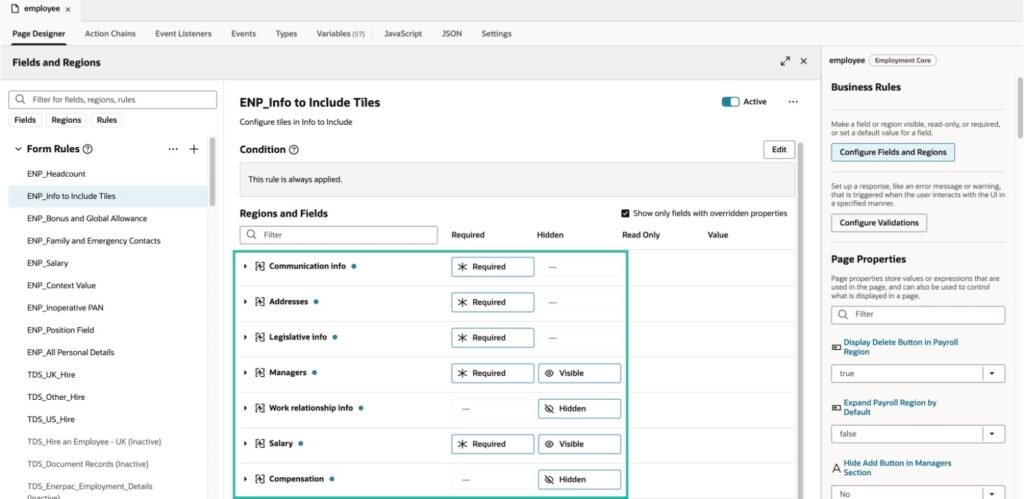
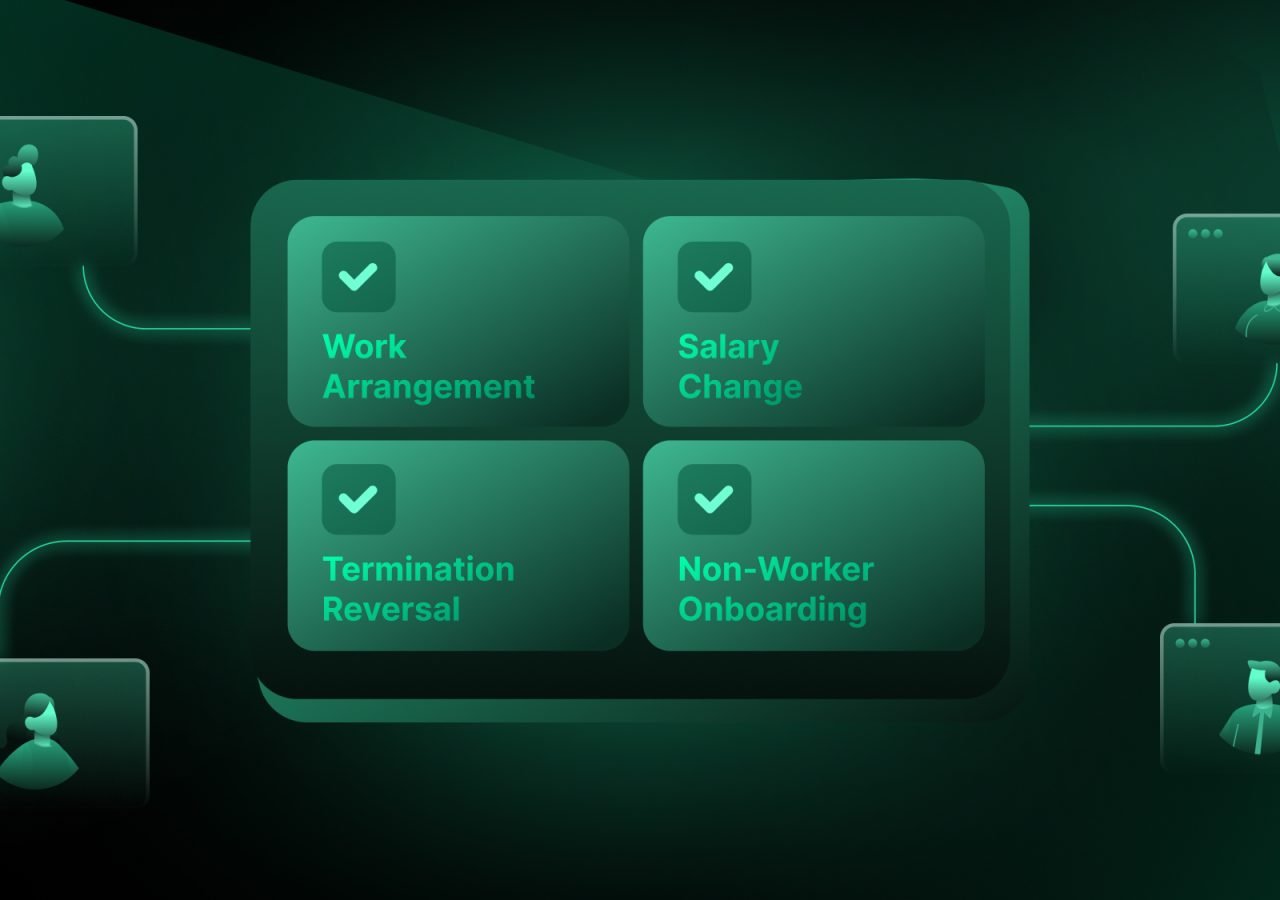
You can control how fields and regions behave on Oracle Redwood HCM pages using configuration in Oracle Visual Builder Studio. You can define rules to show or hide fields and regions, make fields mandatory or optional, and set default values, all driven by conditions based on your organisation’s data.
What You Can Configure
Show or Hide Fields and Regions You can define rules to showing or hiding fields and regions based on conditions.
Mandatory or Optional Fields You can control whether a specific field should be mandatory or optional, driven by conditions rather than applying the same rule to everyone.
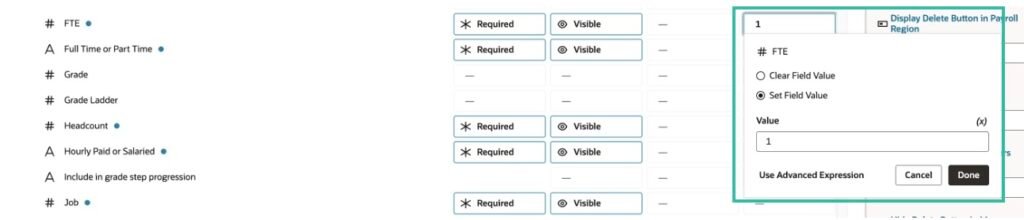
Default Values You can set default values for fields — either a fixed value or a value derived from another field on the page.
Applying Rules to a Specific Population
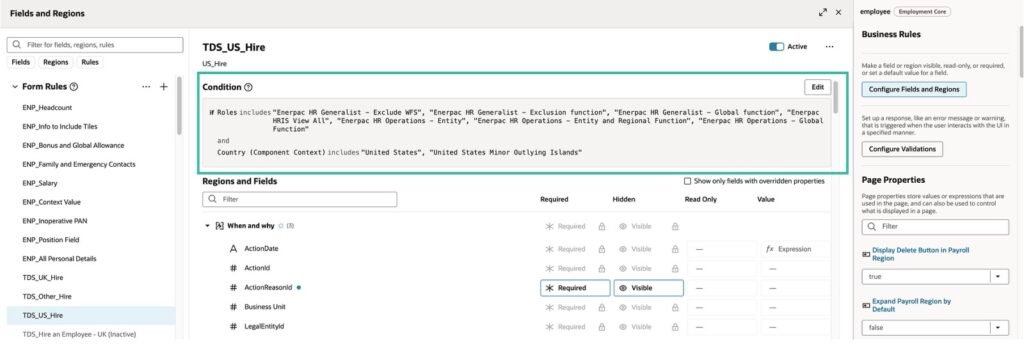
Rules can be conditioned to apply to a specific population based on their data. For example, for a worker hired into a United States Business Unit, you may want to show additional fields on the Hire an Employee transaction that are not relevant for other Business Units.
This means the same page can behave differently for different populations — without maintaining multiple page configurations.
In addition to population-based conditions, you can also choose to apply rules to specific user roles. For example, a field visible to an HR Business Manager may be hidden from an HR Business Analyst on the same page.
Visit our Events page for upcoming Oracle Fusion Cloud sessions and live demos.
Nizam Mogal
Enterprise Applications Architect | Oracle ACE Pro
Nizam Mogal
Enterprise Applications Architect | Oracle ACE Pro
Nizam brings over 20 years of global experience delivering Oracle enterprise solutions. He specialises in Oracle Fusion Cloud across HCM, ERP, Help Desk, Case Management and Fusion Service, with a successful track record of implementing both Redwood and Classic UX for HR and Finance in global enterprises.
With deep product expertise, Nizam provides strategic insight and hands-on experience to ensure implementations are aligned to each organisation’s unique service model and operational goals.